
Visual Search
1) Click Enquiry from the book homepage.

2) The visual search window will be displayed.
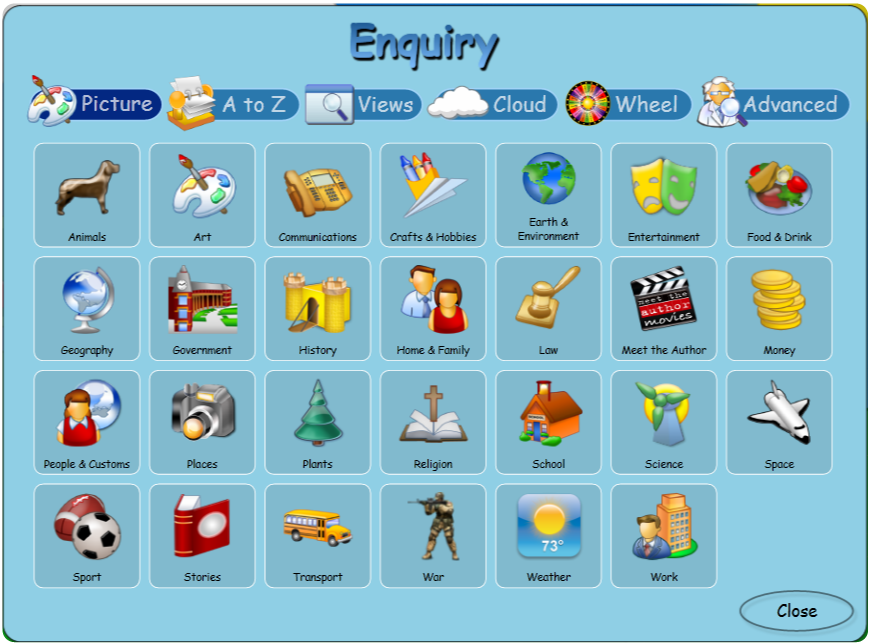
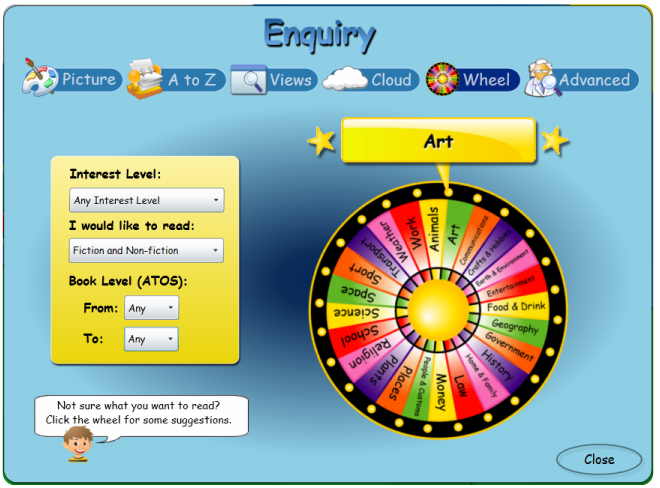
3) Choose to search using pictured categories: A-Z; filtered page Views; the Cloud; or the Wheel.
4) Simply click on any of the visual search icons to begin searching in that area of the library.
Copyright © 2012 MLS