To issue a resource to a borrower, click Circulate from the top of the page.

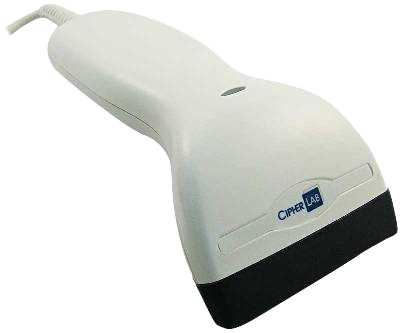
Scan the book barcode using the barcode reader or use the keyboard to manually type the barcode number in.
.png)
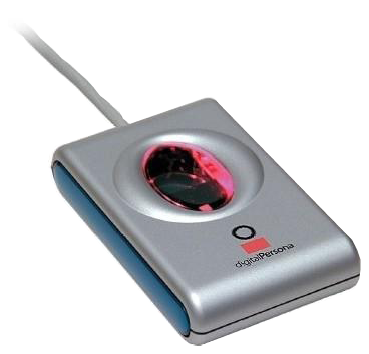
When the cursor moves to the PIN field, either scan the borrower reader card, type in the borrower PIN manually with the keyboard or place the registered finger/thumb on the fingerprint scanner.
The book is then issued to the borrower.
.png)
Copyright © 2012 MLS