This section describes how the user may reserve a given resource.

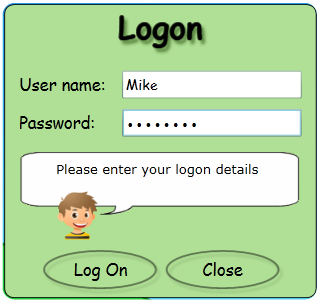
1) From the book homepage, click on Log On.

2) Enter the correct user name and password combination (ask the Librarian for help if a user name isn't known or to set one up).
3) Conduct a Visual or Text search.

4) Click on a resource from the search results on the shelf interface to be taken into further details about the immediate resource.
5) Click on the Reserve button to place the reservation against the immediate resource. The Librarian will be automatically notified about the the given user's interest in borrowing the resource once it has been returned to the library.

Copyright © 2012 MLS